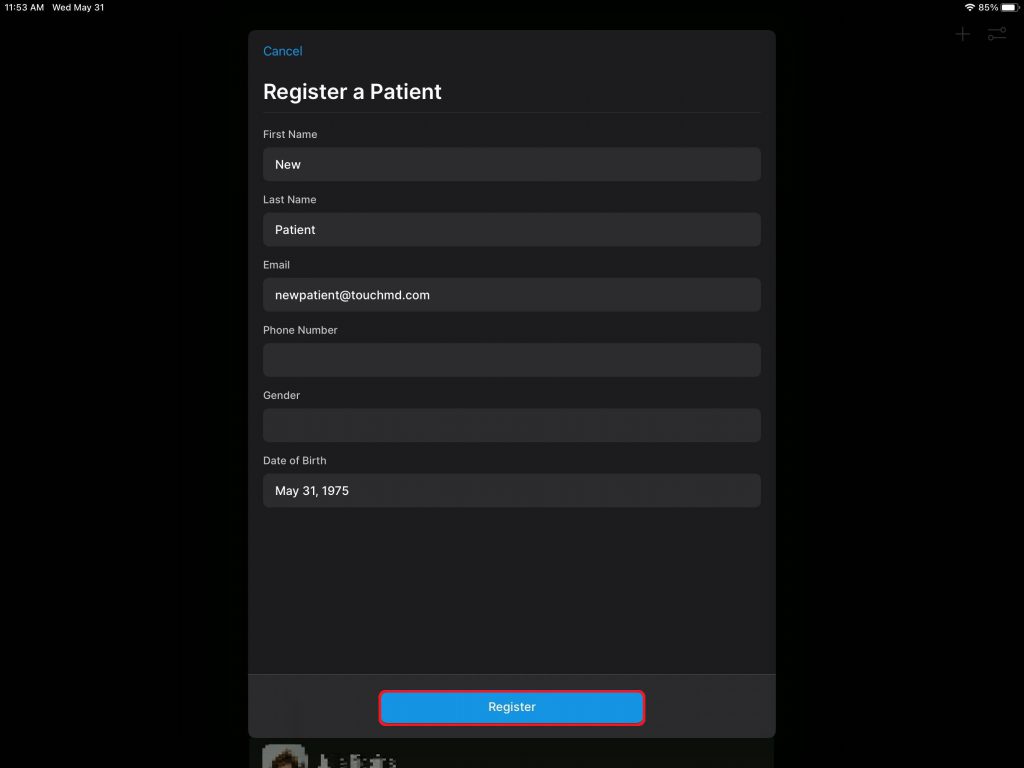
Some practice work flows may work best to register patients at the time of a photo or a video session. learn how to register patients via TouchMD Snap Pro.
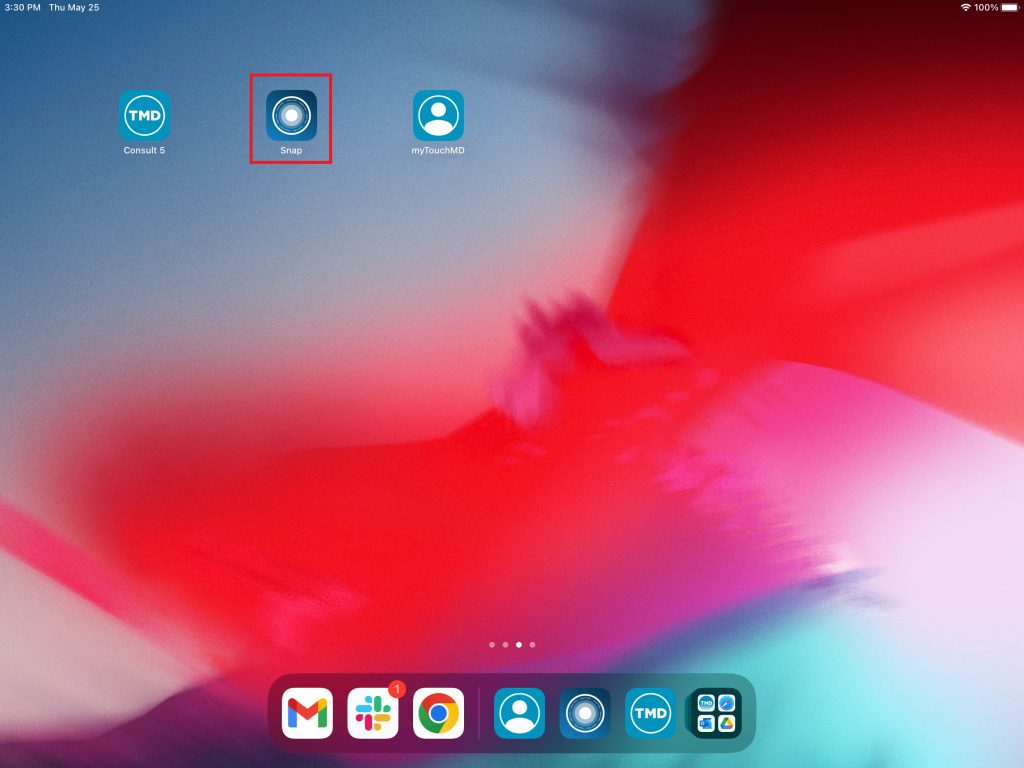
- Open the Snap Pro app
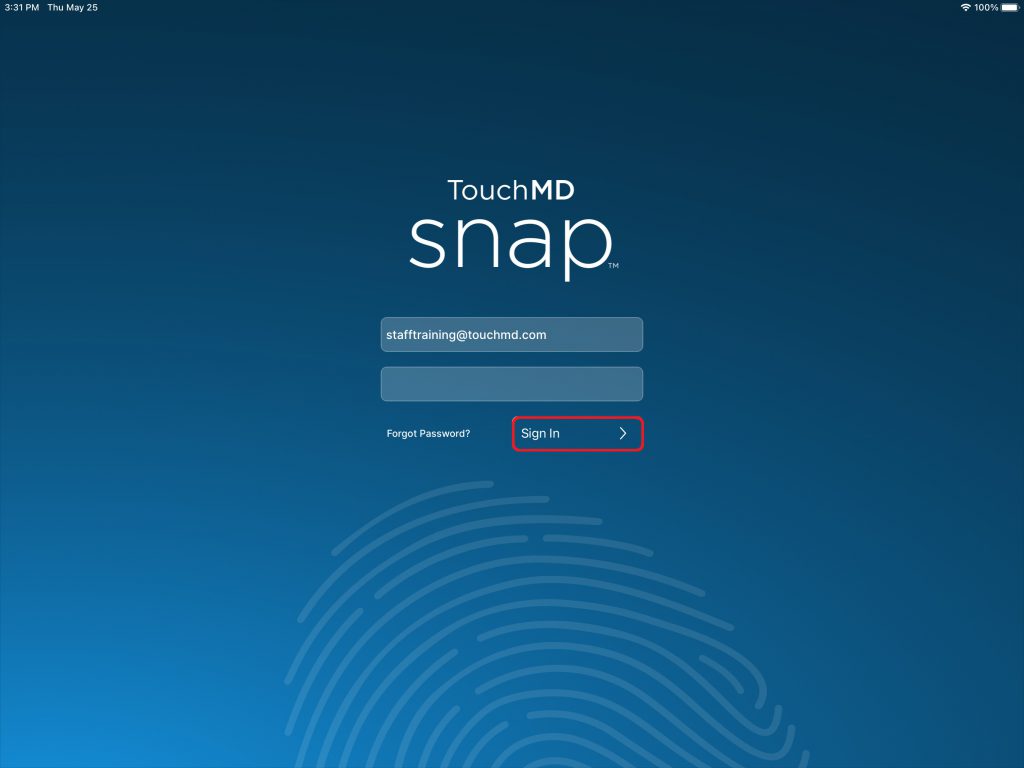
- Enter your TouchMD User credentials and select “Sign In”
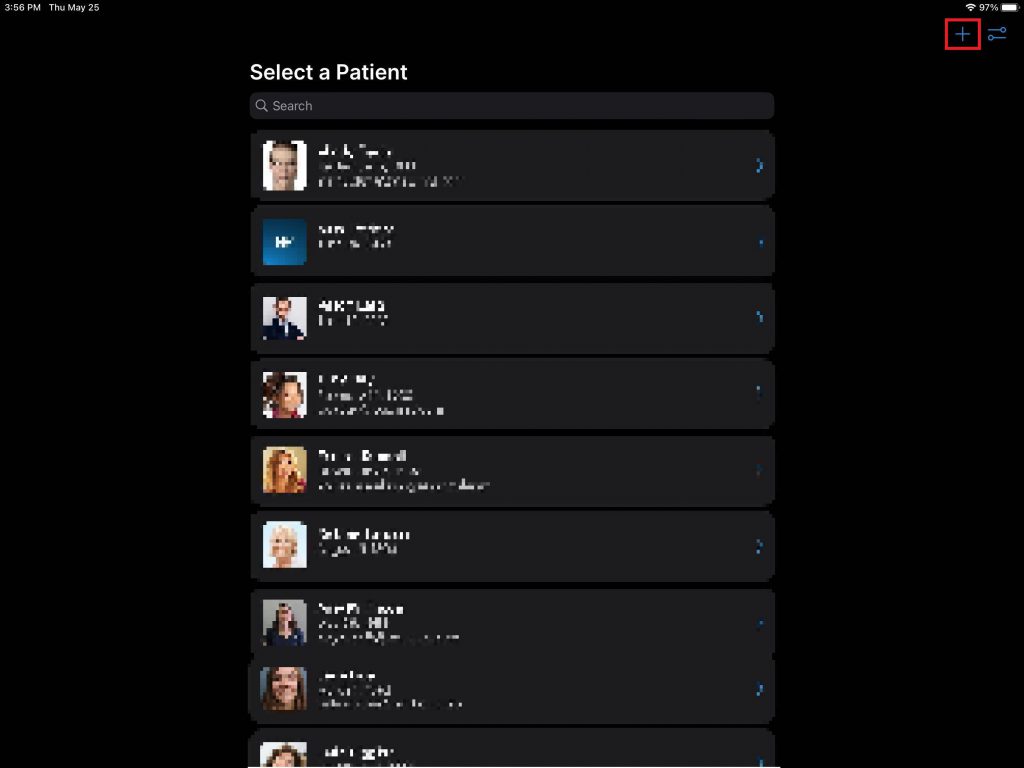
- Select the “+”
- Enter the required information and select “Register”