On occasion to assist support with troubleshooting, we may ask you to provide a patient’s TouchMD Patient ID. The instructions below will help you locate this number.
- Log onto dashboard.touchmd.com
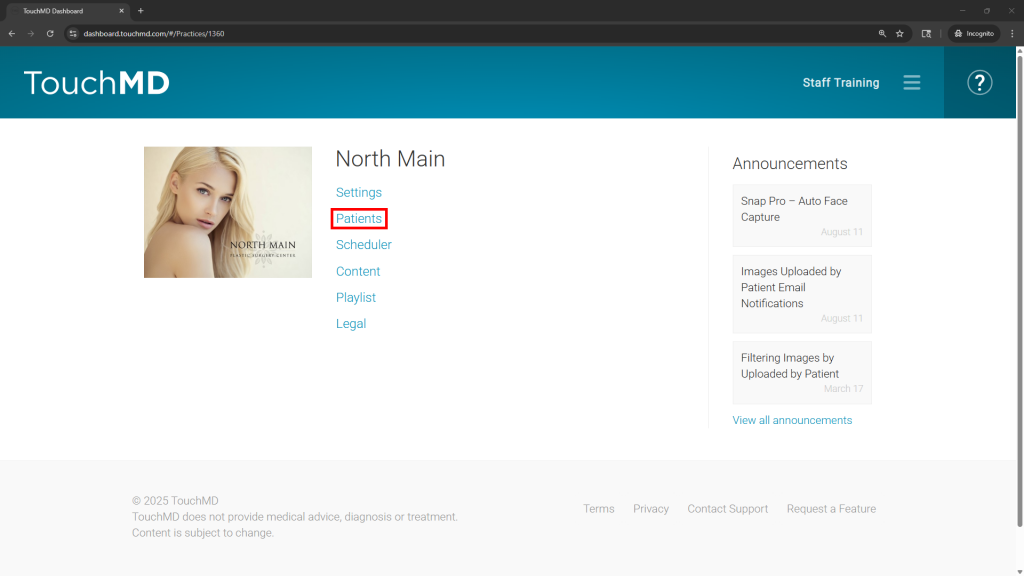
- Select “Patients”
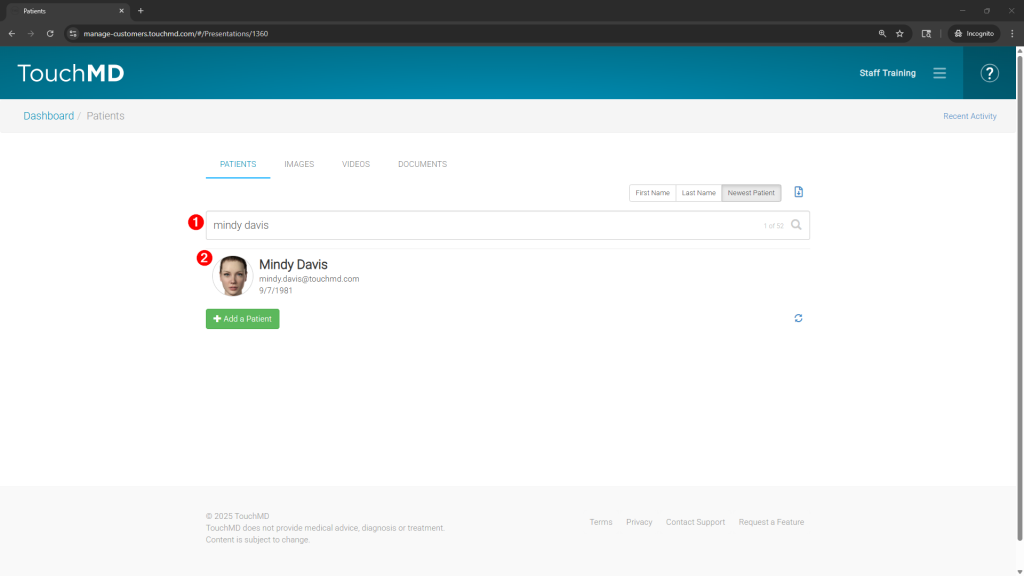
- Search for and select the desired patient
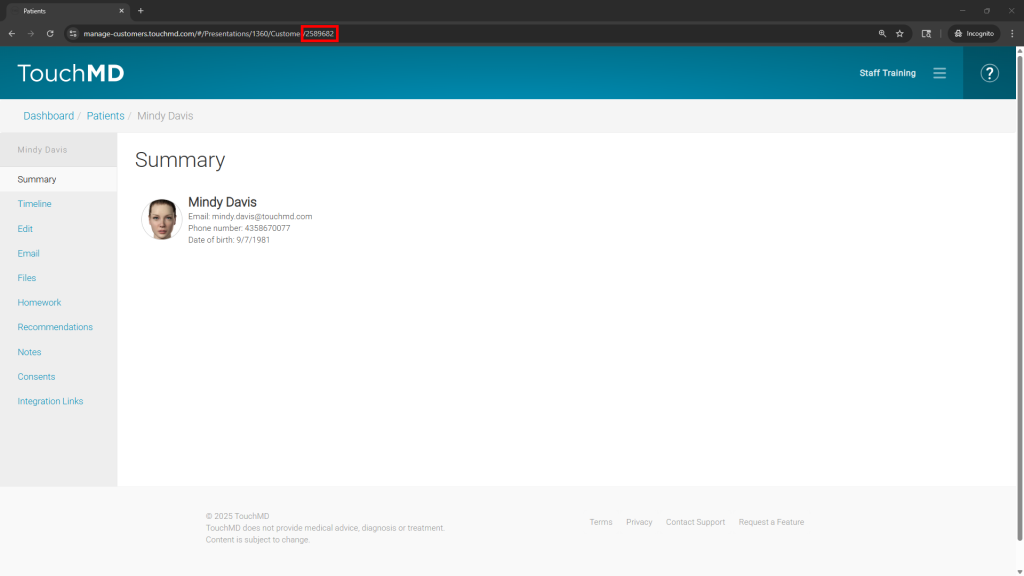
- In the URL, locate the number after “Customer/” for Example: manage-customers.touchmd.com/#/Presentations/1360/Customer/2589682