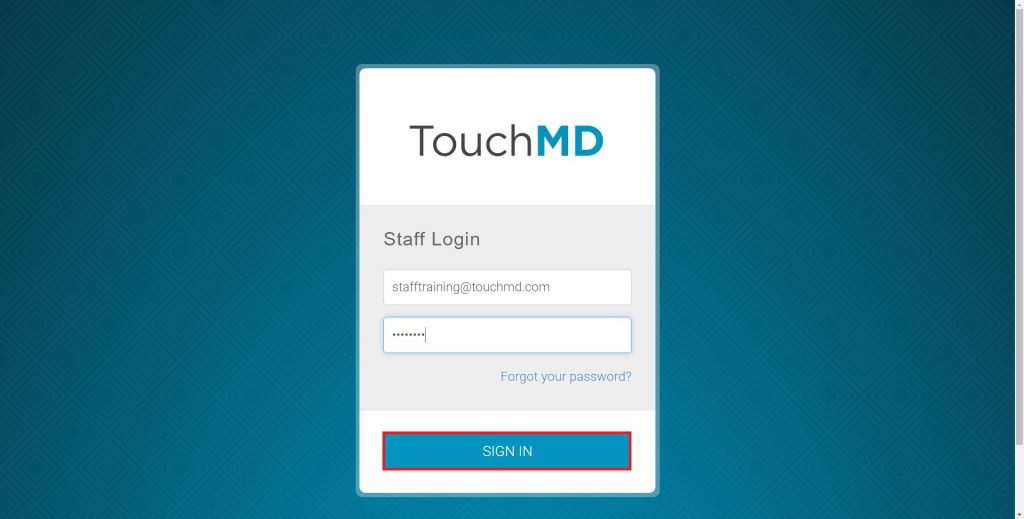
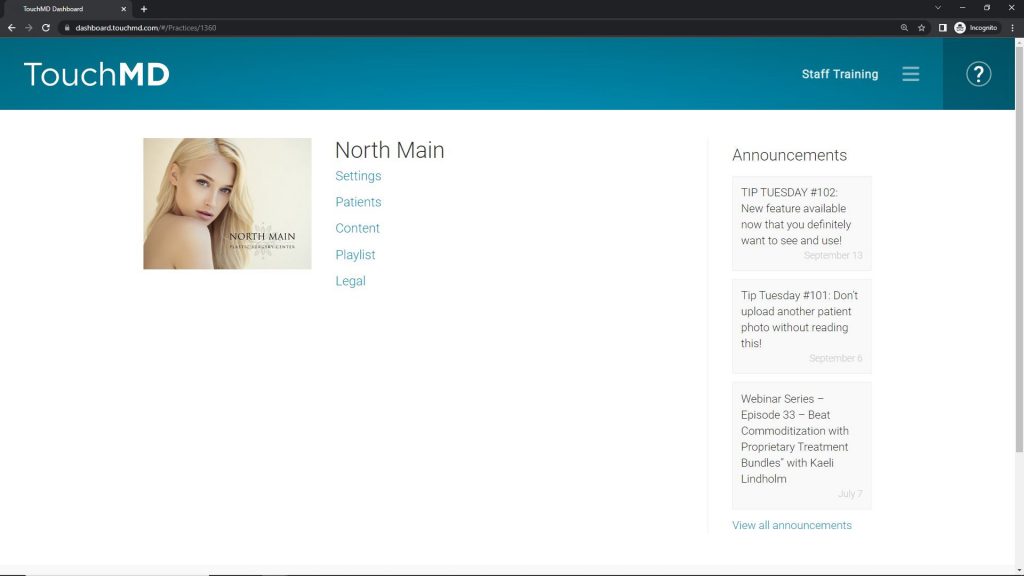
Logging Onto TouchMD Dashboard Learn how to log onto the TouchMD Dashboard. Go to dashboard.touchmd.com Enter your TouchMD username and password, select “Sign In” Select from the menu tabs: Settings, Patients, Content print Updated on September 28, 2022 Was this article helpful? Yes No Related Articles AmSpa Informed Consents & Intake Forms Adding Content to a New Shelf via the TouchMD Dashboard Recent Content and Consent Adjustments Deleting Gallery Photos Deleting Grouped Gallery Photos Requesting a Password Reset