
- Login to dashboard.touchmd.com
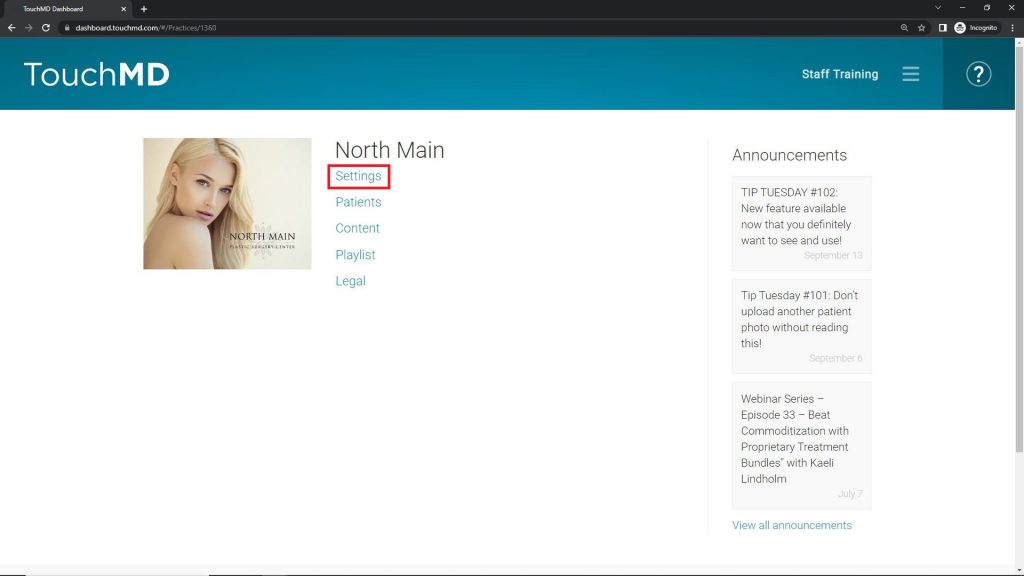
- Select “Settings”
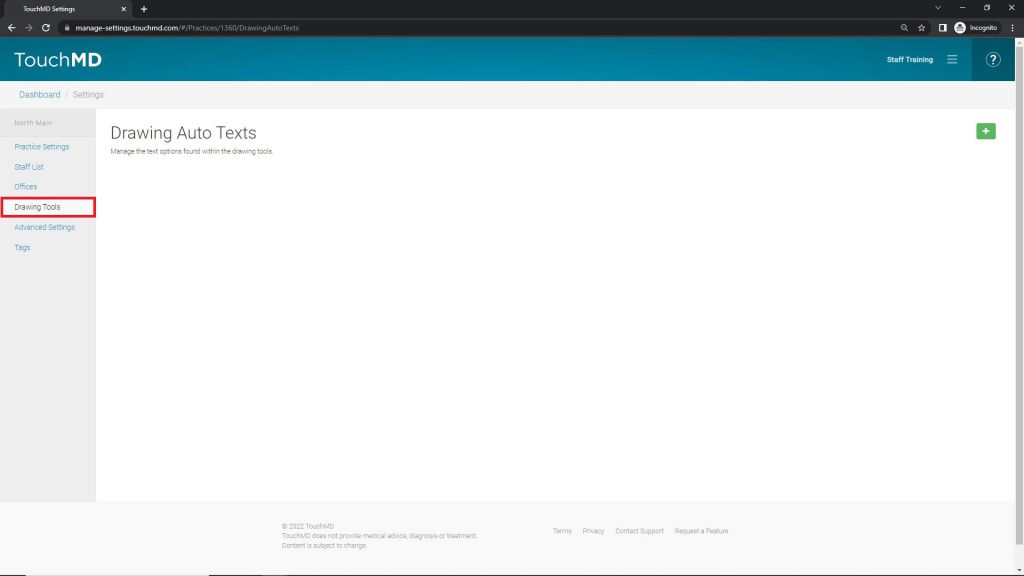
- Select “Drawing Tools”
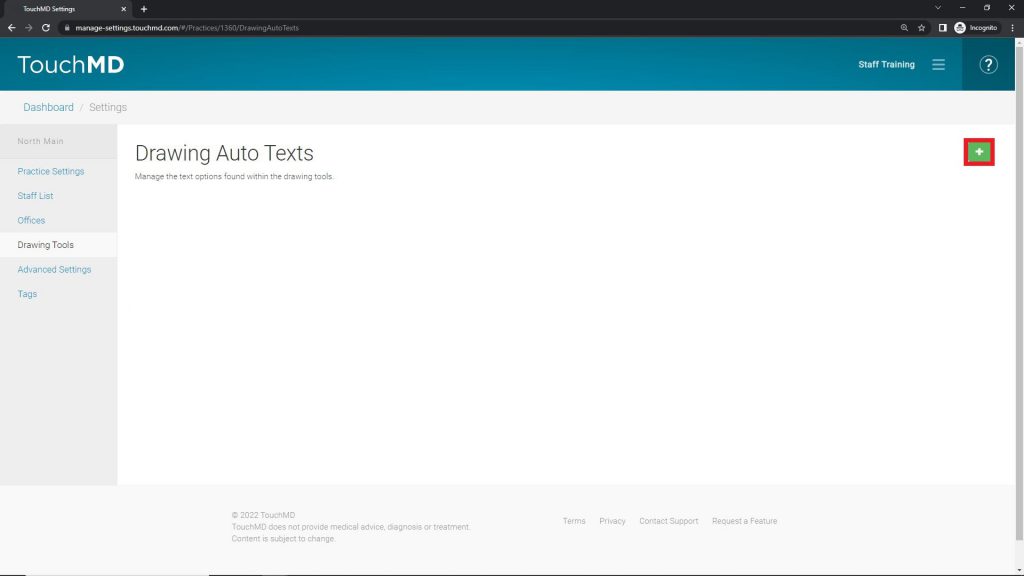
- Select the “+”
- Enter the desired word or short phrase and select ✅
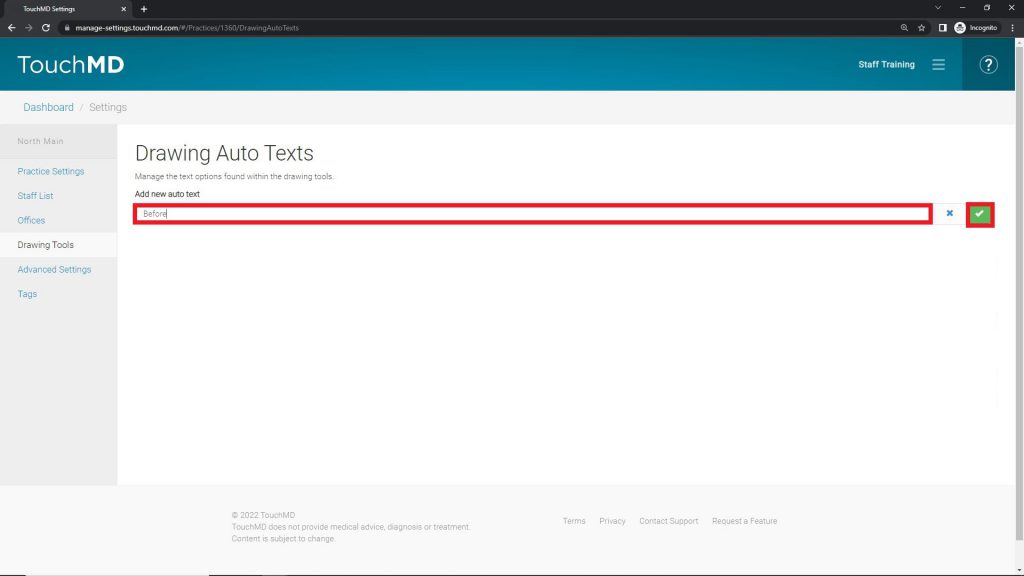
The text will be added to the library and will be listed in alphabetical order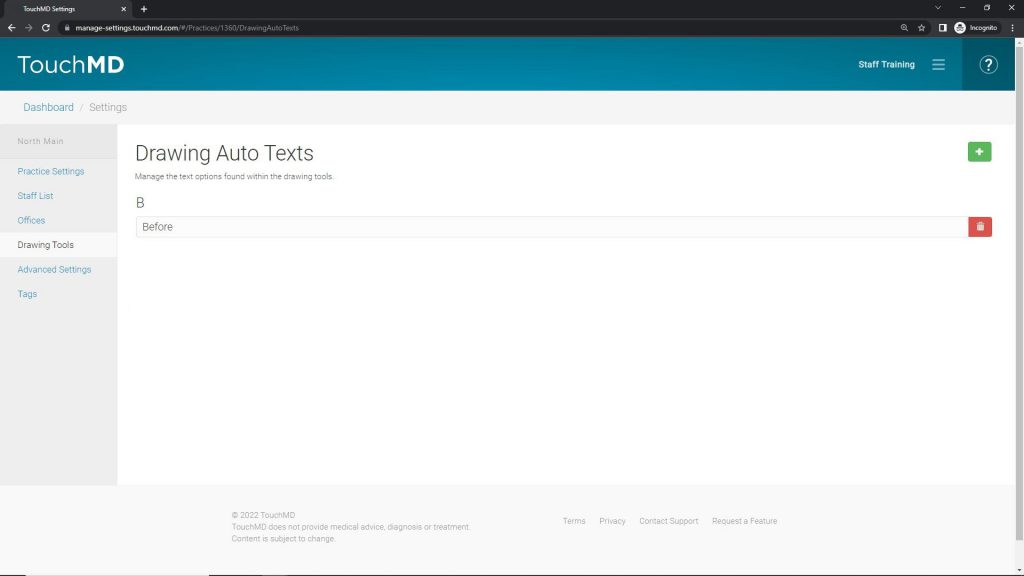
Drawing tools will be used by staff/provider via the TouchMD Consult App’s Drawing Tools. This is specifically available via the Text tool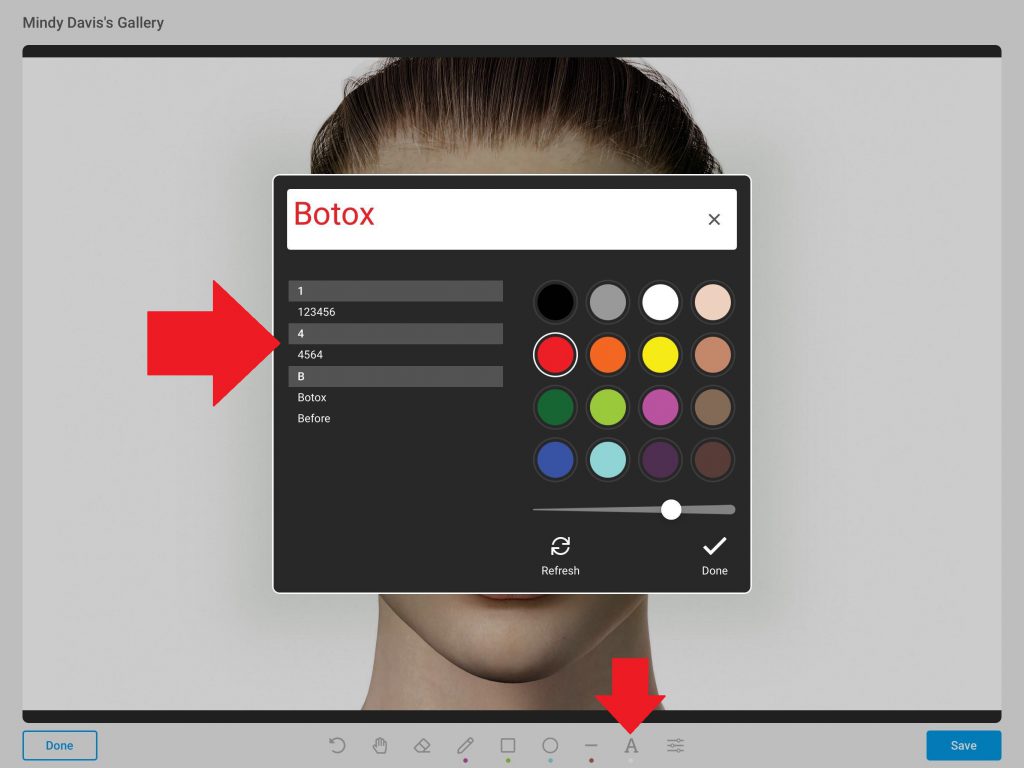
Adding Auto Text via Drawing Tools Setting
Updated on April 14, 2026